
Crosshair X Download for PC

- Developer
- CenterPoint Gaming
- Publisher
- CenterPoint Gaming
- Released
- 2020-06-12
- Version
- Windows
- Size
- Check official store listing
Screenshots
About this game
Meta Description
Download Crosshair X for PC and customize your gaming crosshair with thousands of designs, adjustable colors, precision settings, and overlay support for your favorite shooter games.
Introduction Crosshair X Download for PC
If you’re searching for Crosshair X download, this software can help you customize the aiming crosshair in your favorite PC games. Developed and published by CenterPoint Gaming, Crosshair X displays a customizable crosshair overlay on your screen, including in games that don’t provide built-in crosshair customization.
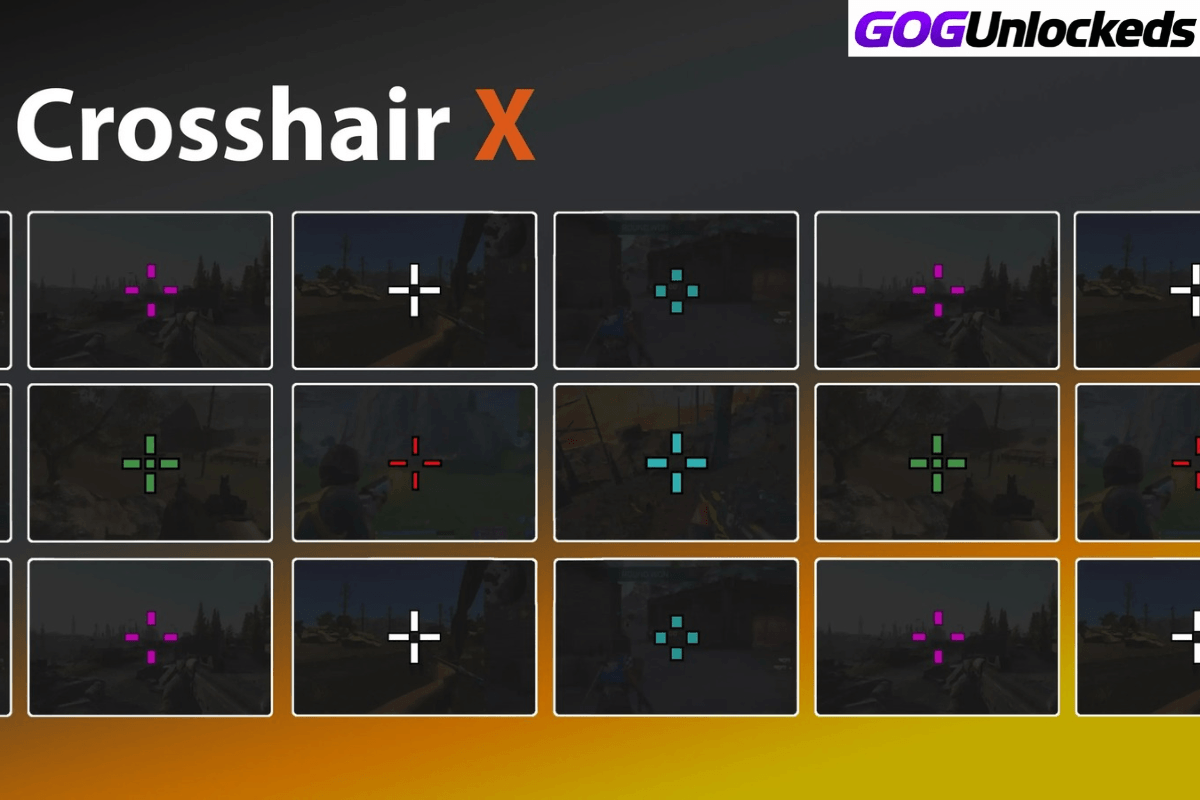
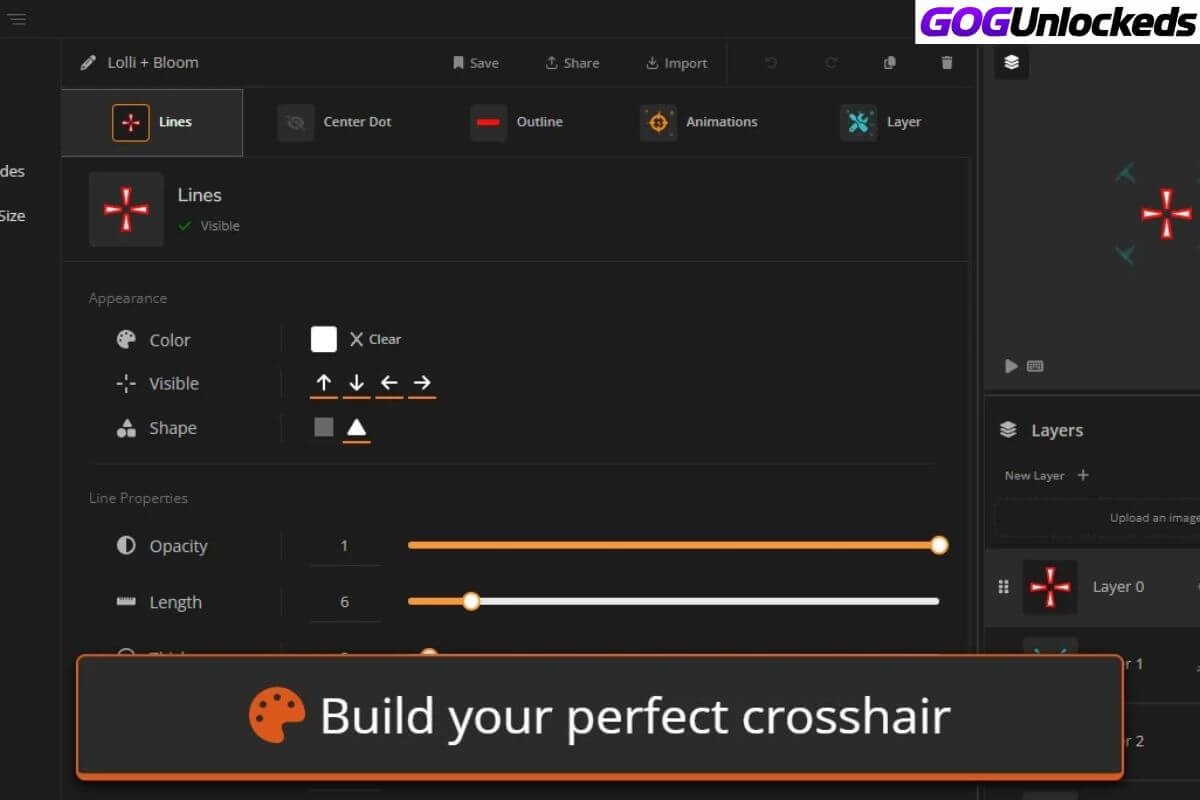
Instead of using the same aiming indicator in every game, you can choose from thousands of community designs or create your own. The software includes options for changing colors, line thickness, opacity, outlines, center dots, and animations. These settings let you create a crosshair that matches your personal gaming preferences. Steam Store+1
Crosshair X is especially useful for players who enjoy first-person shooters, battle royale games, and other titles where accurate aiming matters. It also supports multiple monitors and lets you save different crosshair profiles for different games.
How to Use Crosshair X
After installing Crosshair X, open the software and select a crosshair from its available designs. You can browse community-created options or use the built-in designer to create a custom aiming indicator.
Adjust the size, color, thickness, opacity, and center dot until the crosshair looks comfortable on your screen. You can also save multiple designs and switch between them whenever you want.
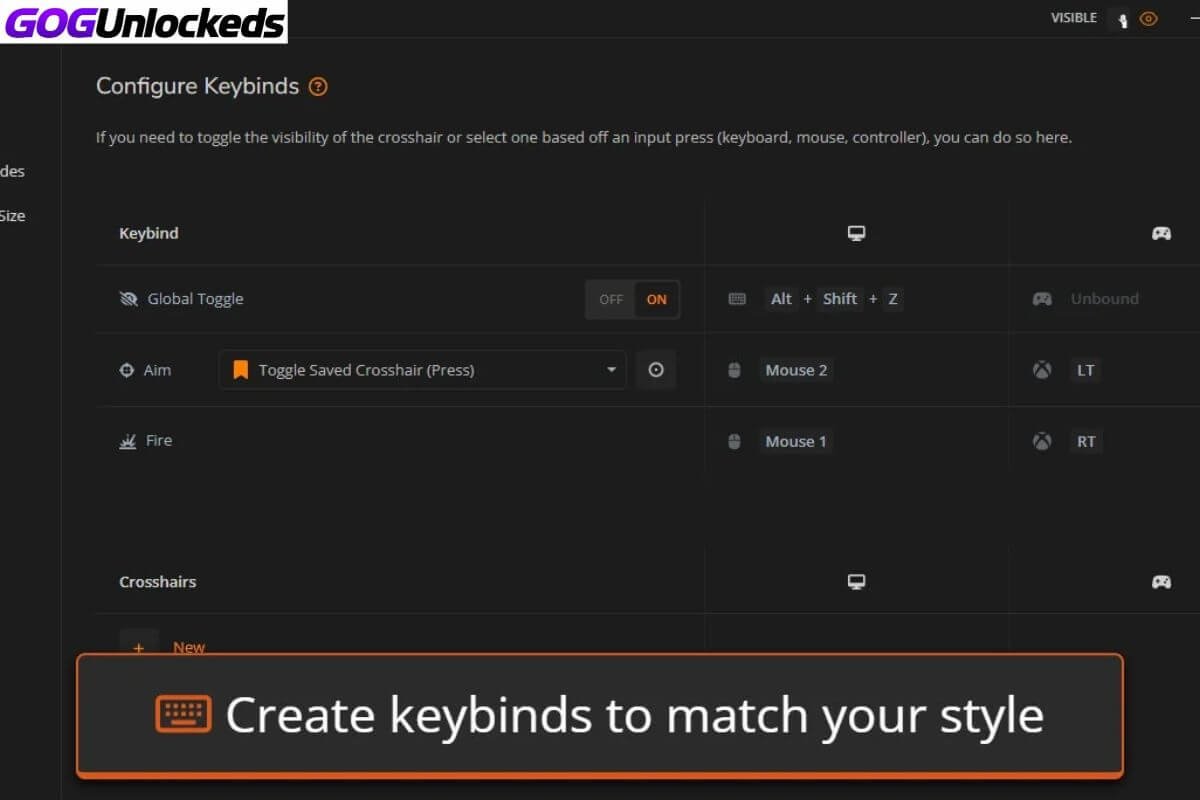
The software supports keyboard shortcuts for showing or hiding the crosshair. It can also automatically hide the overlay when you right-click to aim, depending on your selected settings. For exclusive fullscreen support, Crosshair X uses the official Xbox Game Bar integration. Steam Store+1
Key Features of Crosshair X
- Custom Crosshair Designs – Choose from thousands of designs shared by the Crosshair X community.
- Crosshair Designer – Create your own crosshair by adjusting lines, colors, outlines, and center dots.
- Gaming Overlay – Display a custom crosshair over supported PC games.
- Fullscreen Support – Use the Xbox Game Bar integration for supported exclusive fullscreen games.
- Multiple Crosshair Profiles – Save different designs and switch between them quickly.
- Multi-Monitor Support – Choose which monitor displays your crosshair.
- Keyboard Shortcuts – Show or hide the crosshair using customizable shortcuts.
- Steam Workshop Support – Browse, subscribe to, and share community crosshair designs.
- Crosshair Sharing – Share your designs with friends using a code or exported image.
How to Download Crosshair X?
- First of all, download the link given below the article.
- Check whether your PC meets the minimum requirements.
- Select the available download link.
- Save the software files to your preferred location.
- Open the downloaded folder.
- Extract the files if they are in ZIP or RAR format.
- Follow the setup instructions to install the software.
- Launch Crosshair X after installation is complete.
Frequently Asked Questions
1. What is Crosshair X?
Crosshair X is a Windows customization utility that displays custom crosshair overlays while you play games.
2. Is Crosshair X available for PC?
Yes. Crosshair X is available for Windows PC through Steam and the Epic Games Store.
3. Can I download Crosshair X for free?
The full version is paid software. Check the official stores for current prices and any available promotions.
4. Who developed Crosshair X?
CenterPoint Gaming developed and published Crosshair X.
5. Does Crosshair X work with FPS games?
Yes. It supports many first-person shooters and other PC games.
6. Can I create my own crosshair?
Yes. The built-in designer lets you customize lines, colors, opacity, outlines, and center dots.
7. Does Crosshair X support multiple monitors?
Yes. You can select the monitor where you want the crosshair to appear.
System requirements
| Component | Minimum | Recommended |
|---|---|---|
| OS | Windows 10 | Windows 11 |
| Processor | Intel i5 1.66 GHz or equivalent | Intel i7 2.0 GHz or equivalent |
| Memory | 2 GB | 4 GB |
| Graphics | Intel HD Graphics 4000 or above | NVIDIA GTX 660 / AMD HD 7870 with 2 GB VRAM |
| Storage | Check official listing | Check official listing |
More like this

DELTARUNE Chapter 5 Free Download Guide for PC

DEATH STRANDING 2 Download for PC

CYAN BRAIN Download for PC

Dead Cells Download for PC

Dead as Disco Download for PC