
Cities Skylines Download for PC

- Developer
- Colossal Order
- Publisher
- Paradox Interactive
- Released
- 2015-03-10
- Version
- Latest Steam Version
- Size
- 4 GB available storage
Screenshots
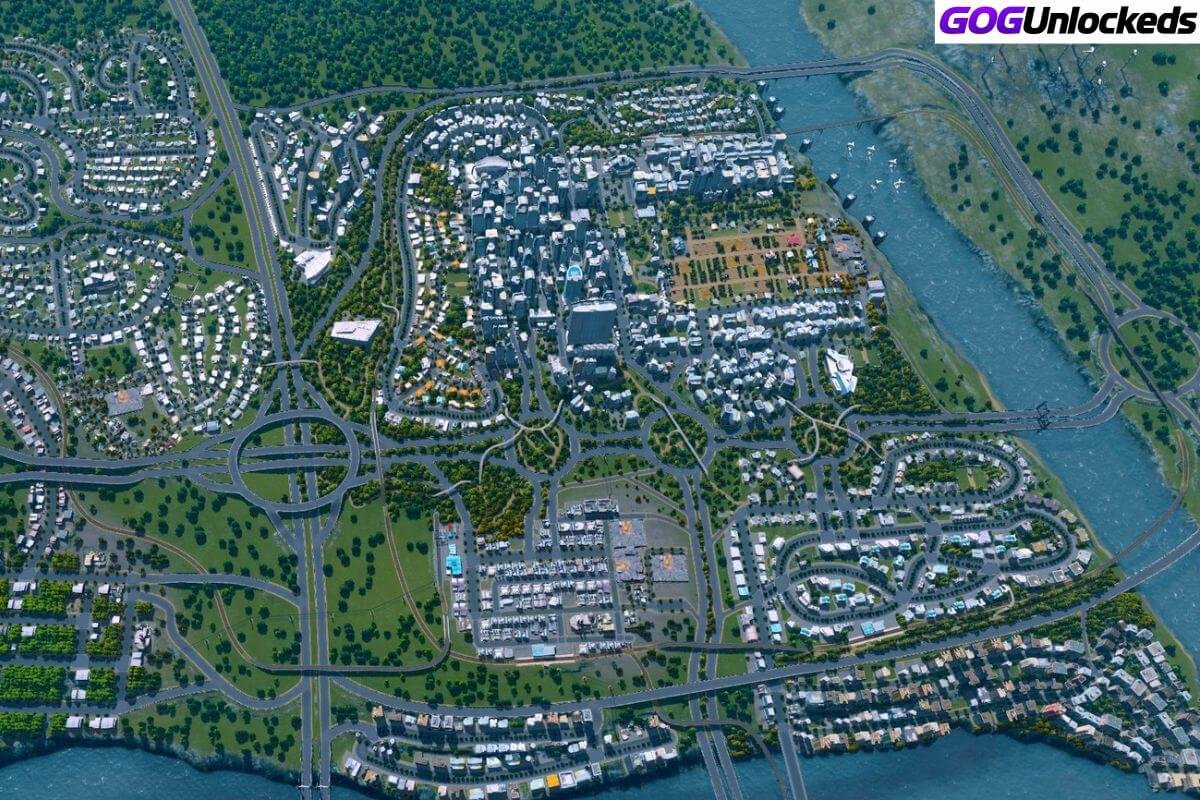
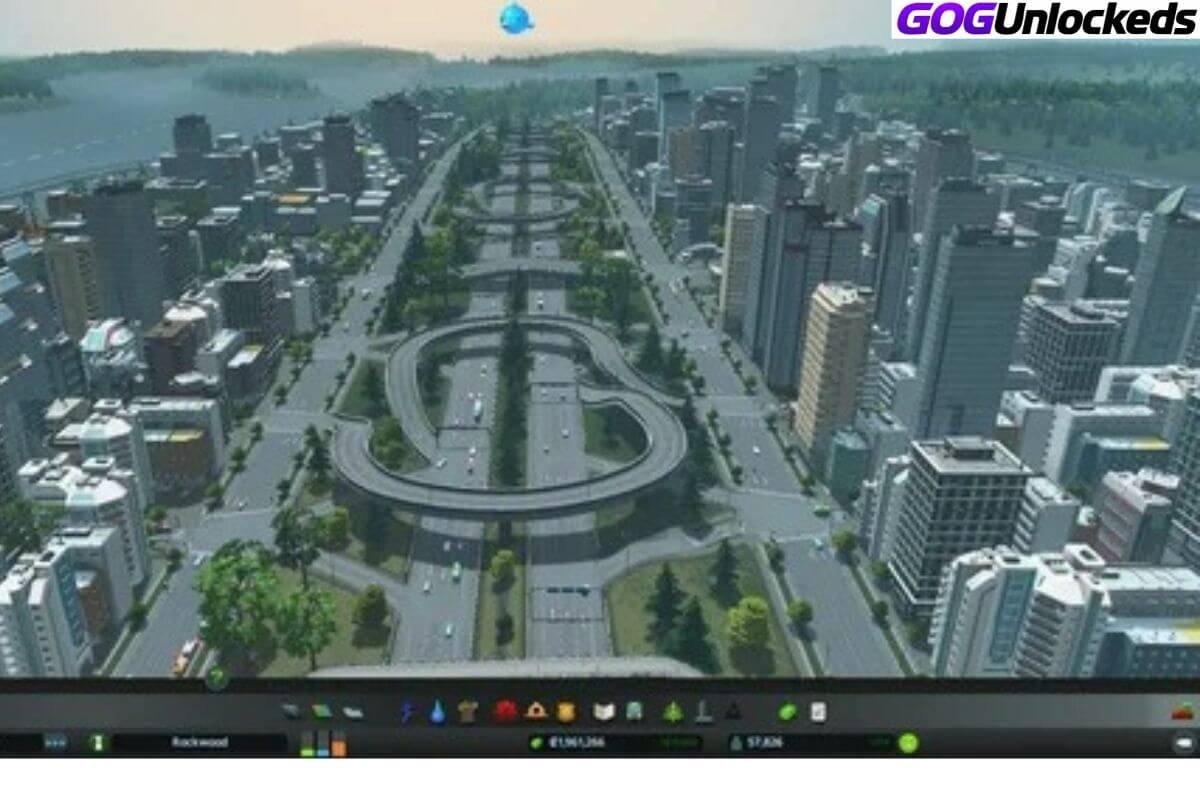
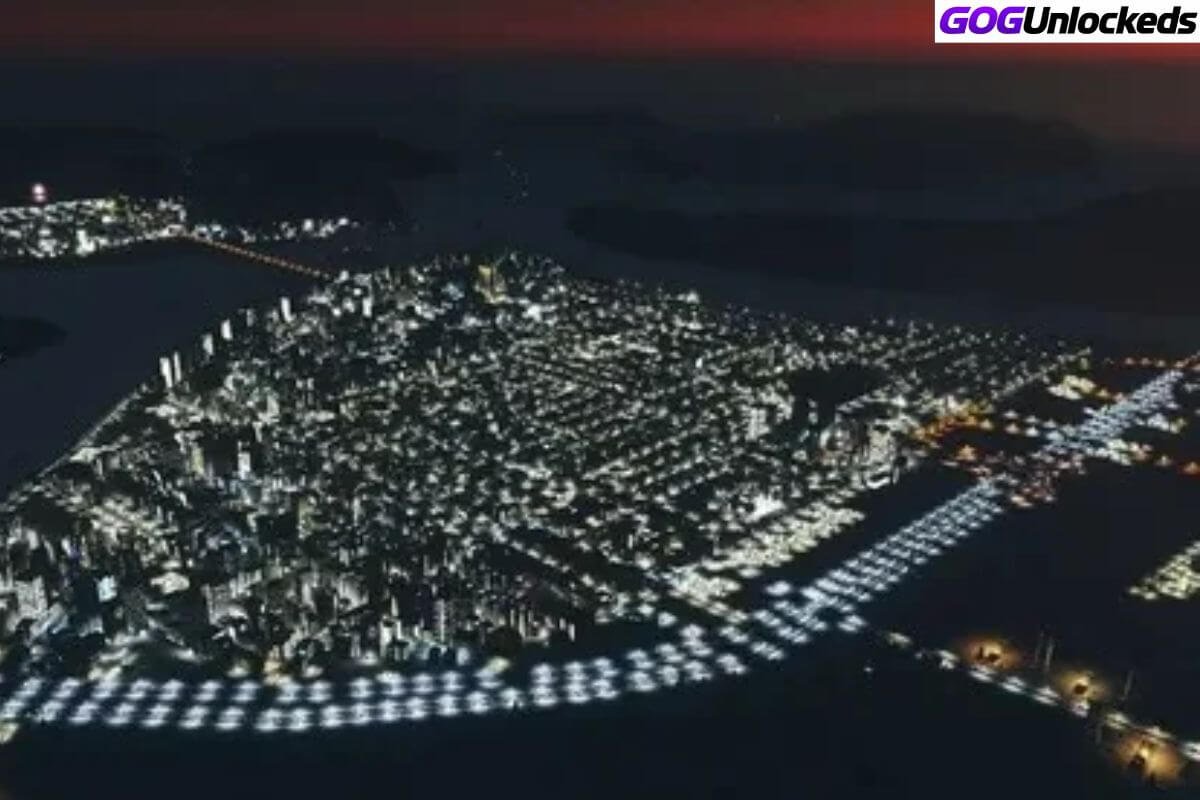
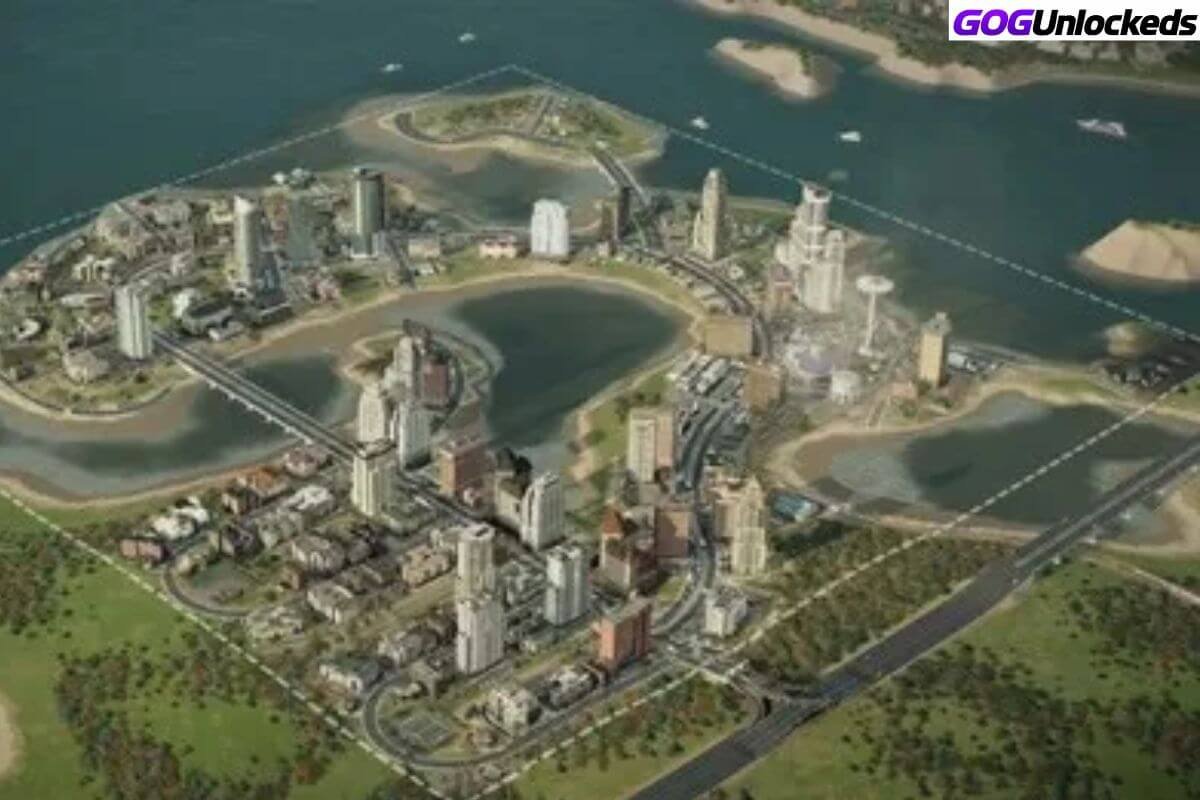
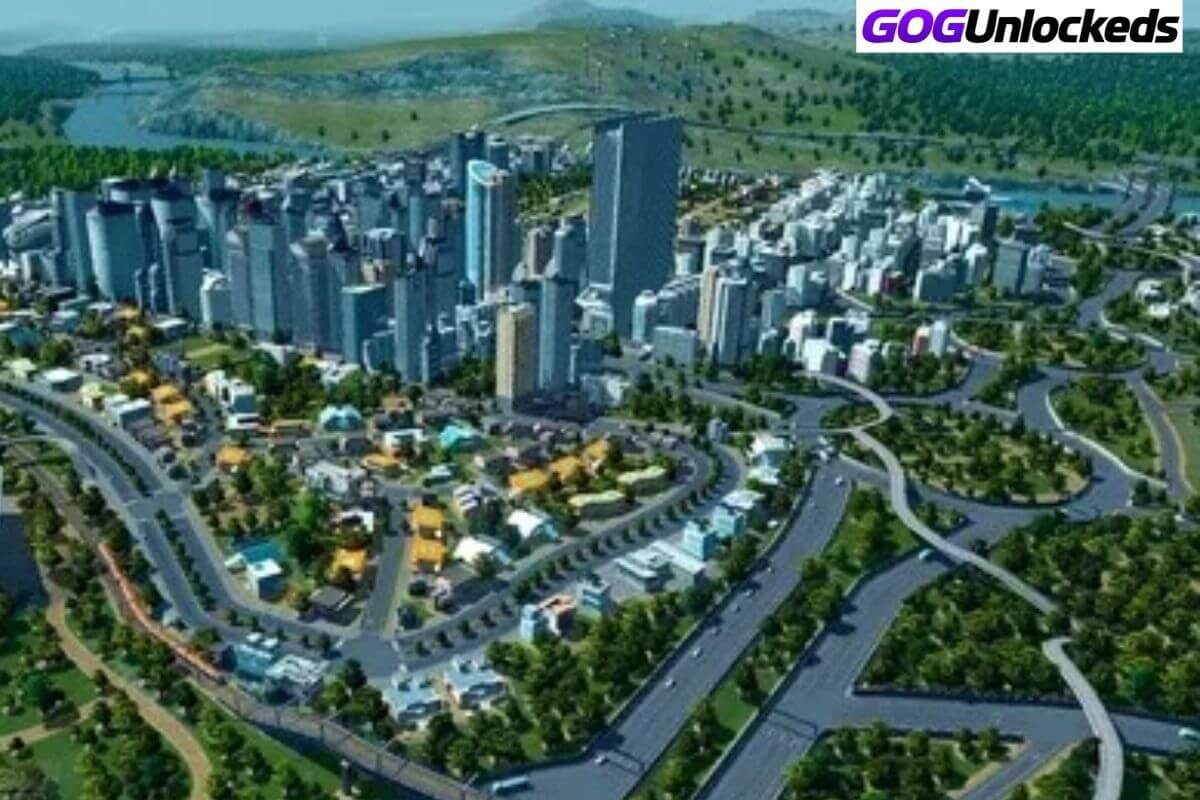
About this game
Meta Description –
Download Cities Skylines for PC and build your dream city with realistic traffic systems, residential zones, public services, advanced city management, and creative building tools.
Introduction Cities Skylines Download for PC
Cities Skylines is a popular city-building and management simulation game developed by Colossal Order and published by Paradox Interactive. Released on March 10, 2015, the game gives players the freedom to design, build, and manage their own cities.
You start with a small area of land and gradually transform it into a growing city. You need to manage roads, buildings, electricity, water supplies, public transportation, healthcare, education, and other essential services. If you’re searching for Cities Skylines for PC or Cities Skylines free download, this guide covers its gameplay, features, and system requirements.
How to Play Cities Skylines
Cities Skylines starts with a small piece of land where you can begin building your city. First, create roads and divide the available land into residential, commercial, and industrial zones. These areas help your city attract residents, businesses, and industries.
As your population increases, you’ll need to provide essential services such as electricity, clean water, hospitals, schools, police stations, and fire departments. Managing traffic is also important because poorly planned roads can create congestion and affect the daily activities of citizens.
You can expand your city by unlocking new areas, improving public transportation, creating districts, and adjusting city policies. The game also allows players to use custom buildings and community-created modifications through Steam Workshop.
Key Features of Cities Skylines
- City Building System – Design and develop your own city from a small settlement into a large urban area.
- Traffic Management – Build roads, highways, intersections, and public transportation networks.
- Resource Management – Manage electricity, water, waste, and other essential resources.
- Residential and Commercial Zones – Create different areas for homes, shops, and industries.
- Public Services – Build hospitals, schools, police stations, and fire departments.
- Day and Night Cycle – Experience changing city activities throughout the day and night.
- District Management – Divide your city into districts and apply different policies.
- Modding Support – Customize your city with community-created buildings, maps, and modifications.
How to Download Cities Skylines
- First of all download the link given below the article.
- Check whether your PC meets the minimum requirements.
- Select the available download link.
- Save the game files to your preferred location.
- Open the downloaded folder.
- Extract the files if they are in ZIP or RAR format.
- Follow the setup instructions to install the game.
- Launch Cities Skylines after installation is complete.
Frequently Asked Questions
Is Cities Skylines available for PC?
Yes. Cities Skylines is available for Windows PC through Steam.
Is Cities Skylines free to download?
The original PC version is a paid game. You can check Steam for current discounts and promotional offers.
Can I play Cities Skylines on Windows 10?
Yes. Windows 10 64-bit is listed in the current Steam system requirements.
Can I build a large city in Cities Skylines?
Yes. You can expand your city, unlock additional areas, build new districts, and manage a growing population.
Does Cities Skylines support mods?
Yes. The PC version supports community-created modifications and custom content through Steam Workshop.
How much storage space does Cities Skylines require?
The current Steam system requirements list 4 GB of available storage.
System requirements
| Component | Minimum | Recommended |
|---|---|---|
| OS | Windows 10 Home 64-bit | Windows 10 Home 64-bit |
| Processor | Intel Core i7-930 or AMD FX-6350 | Intel Core i7-2700K or AMD Ryzen 7 2700X |
| Memory | 8 GB | 16 GB |
| Graphics | NVIDIA GeForce GTS 450 (1 GB), AMD R7 250 (2 GB), or Intel Iris Xe G7 | NVIDIA GeForce GTX 580 (1.5 GB) or AMD Radeon RX 560 (4 GB) |
| Storage | 4 GB available space | 4 GB available space |
| DirectX | Version 9.0c | Version 9.0c |
More like this

Castle Crashers Download for PC

Battlefield 6 Download for PC

Coal LLC Download for PC v0.1.4.0rc4

CloverPit Download for PC

Cloud Meadow Download for PC
